
Service C · 3D & visualisation
Ideas you want to touch.
Product images, animations and explorable 3D worlds in the browser – from CAD data, sketches or terrain models, rendered on our own pipeline.
01Services
Four ways to show things.
01
Product images
Photorealistic stills from CAD or 3D data – even before the product exists.
02
Product animation
Short clips for website, shop and social: turntables, exploded views, detail shots.
03
Explainer and process animation
Processes, machines and data explained in motion – without stock footage.
04
Interactive 3D
Tours, reconstructions and models right in the browser, on phones too.
02Build-up
From wireframe to product image.
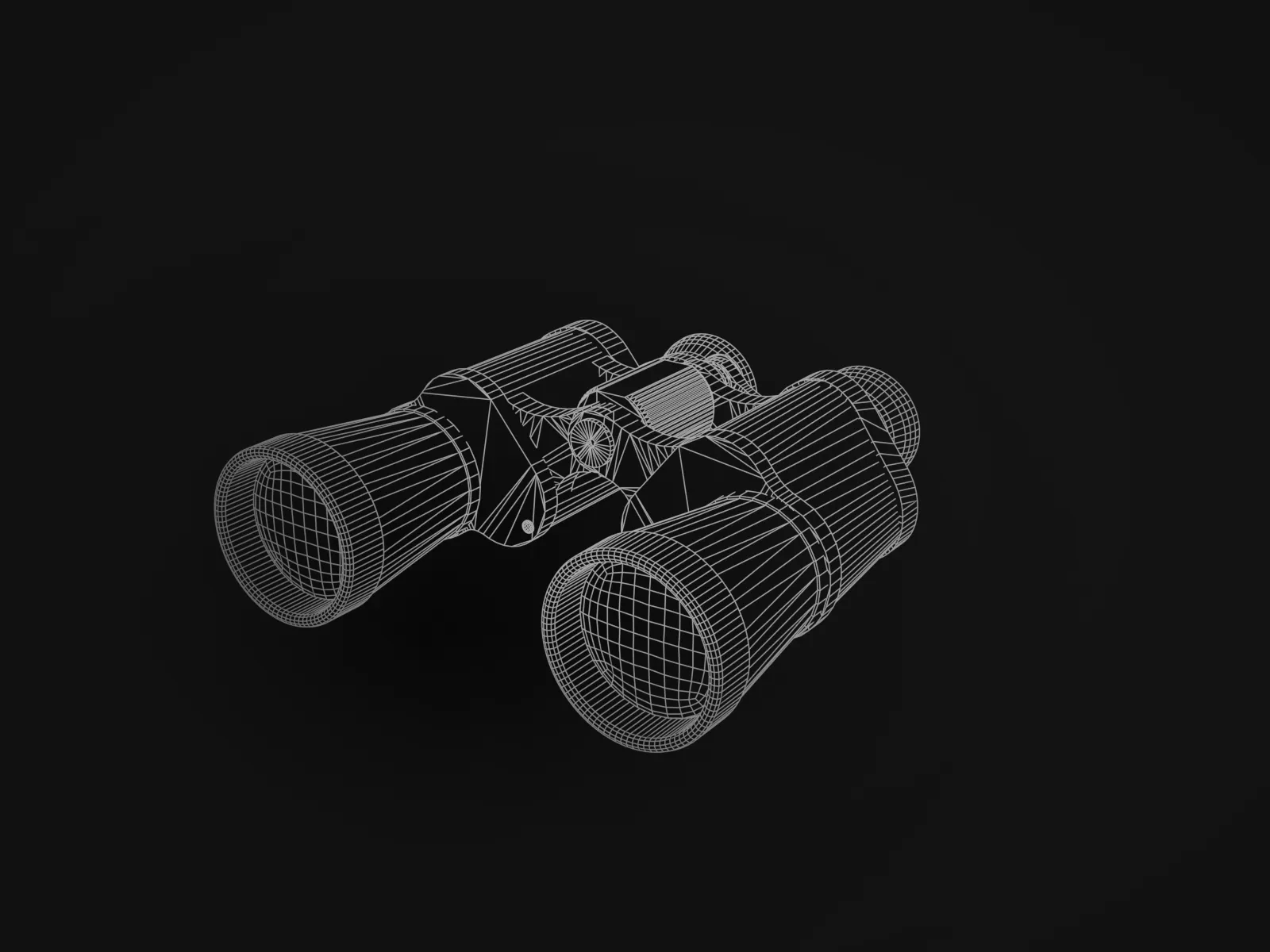
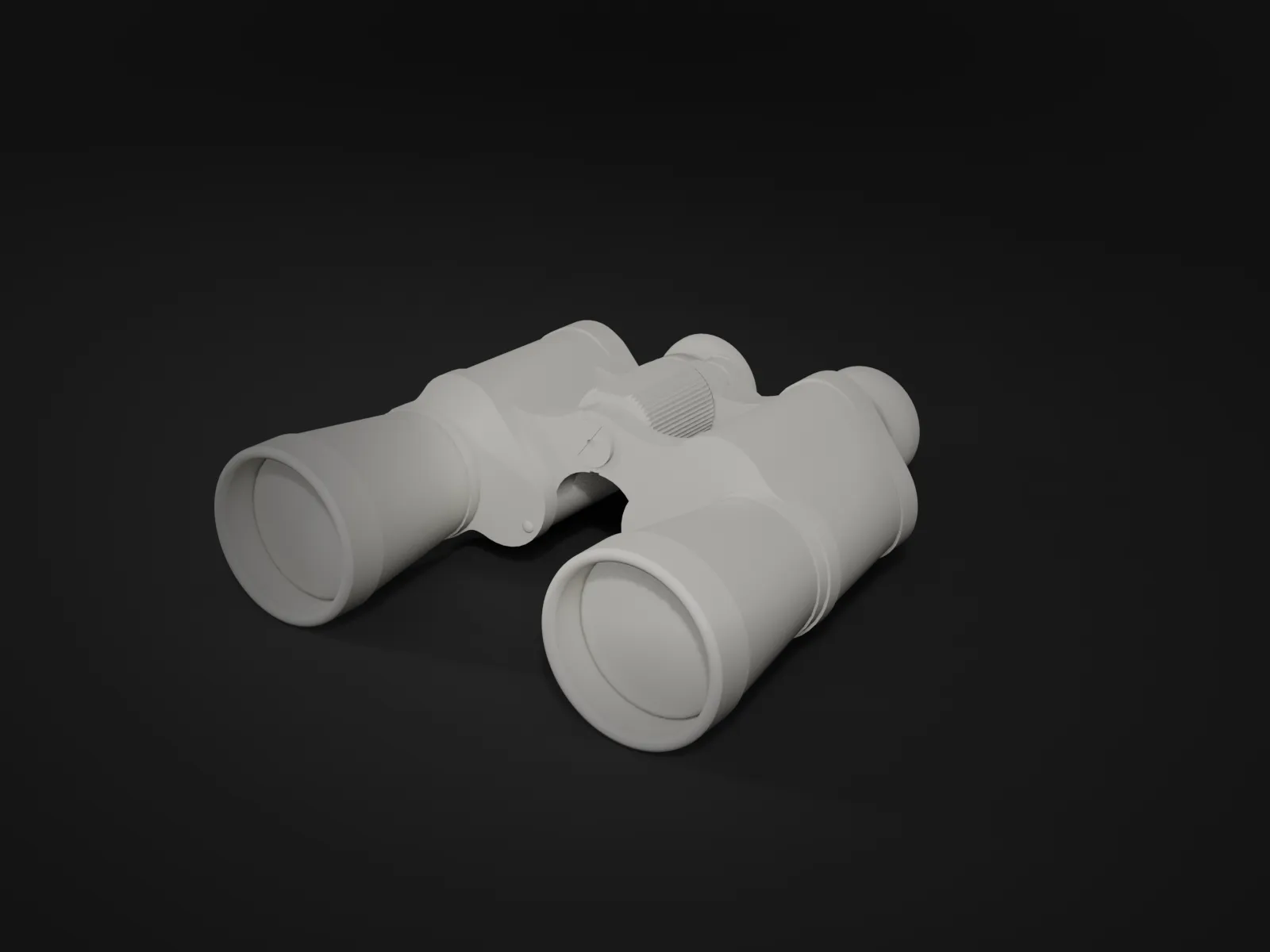
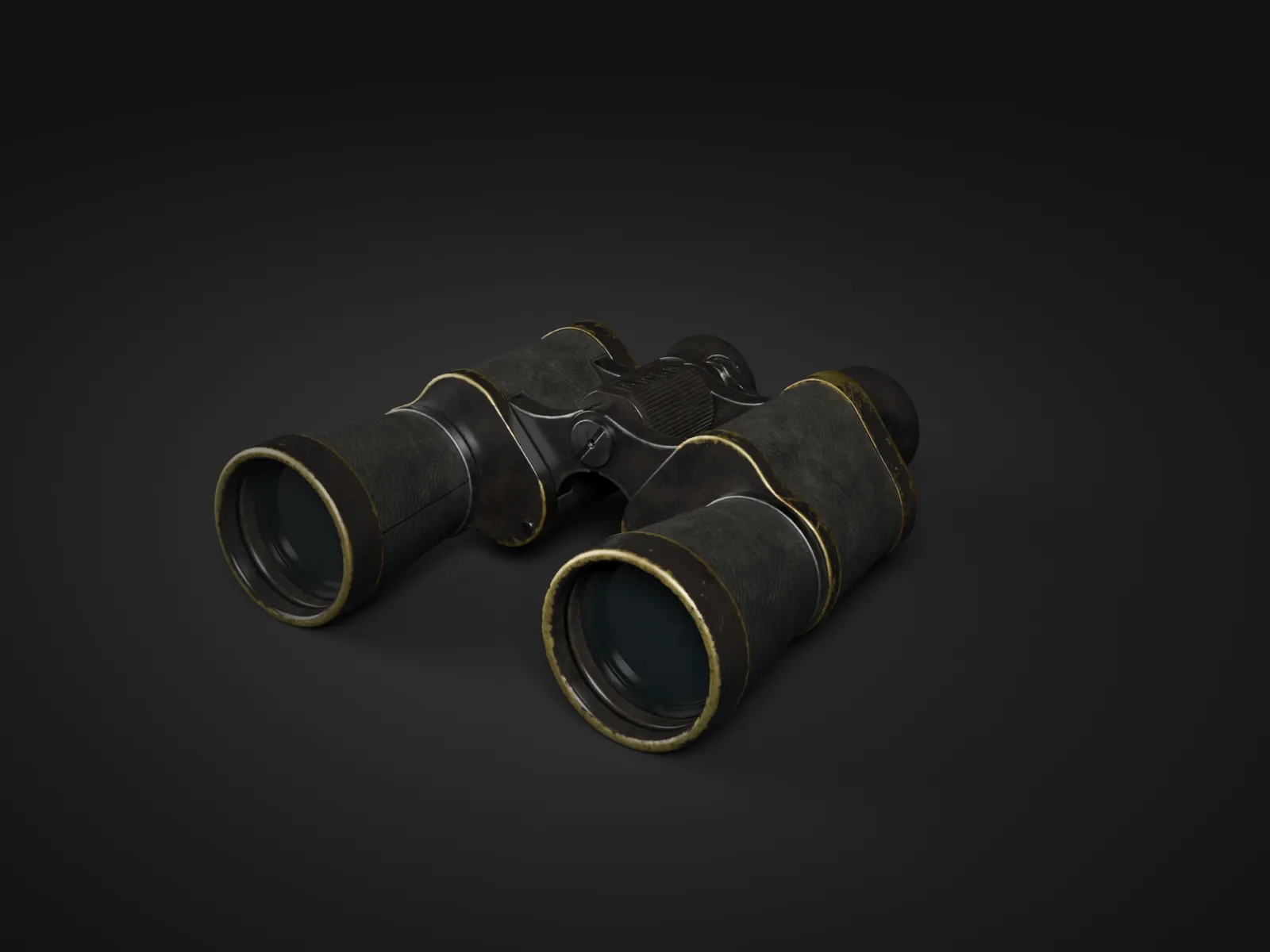
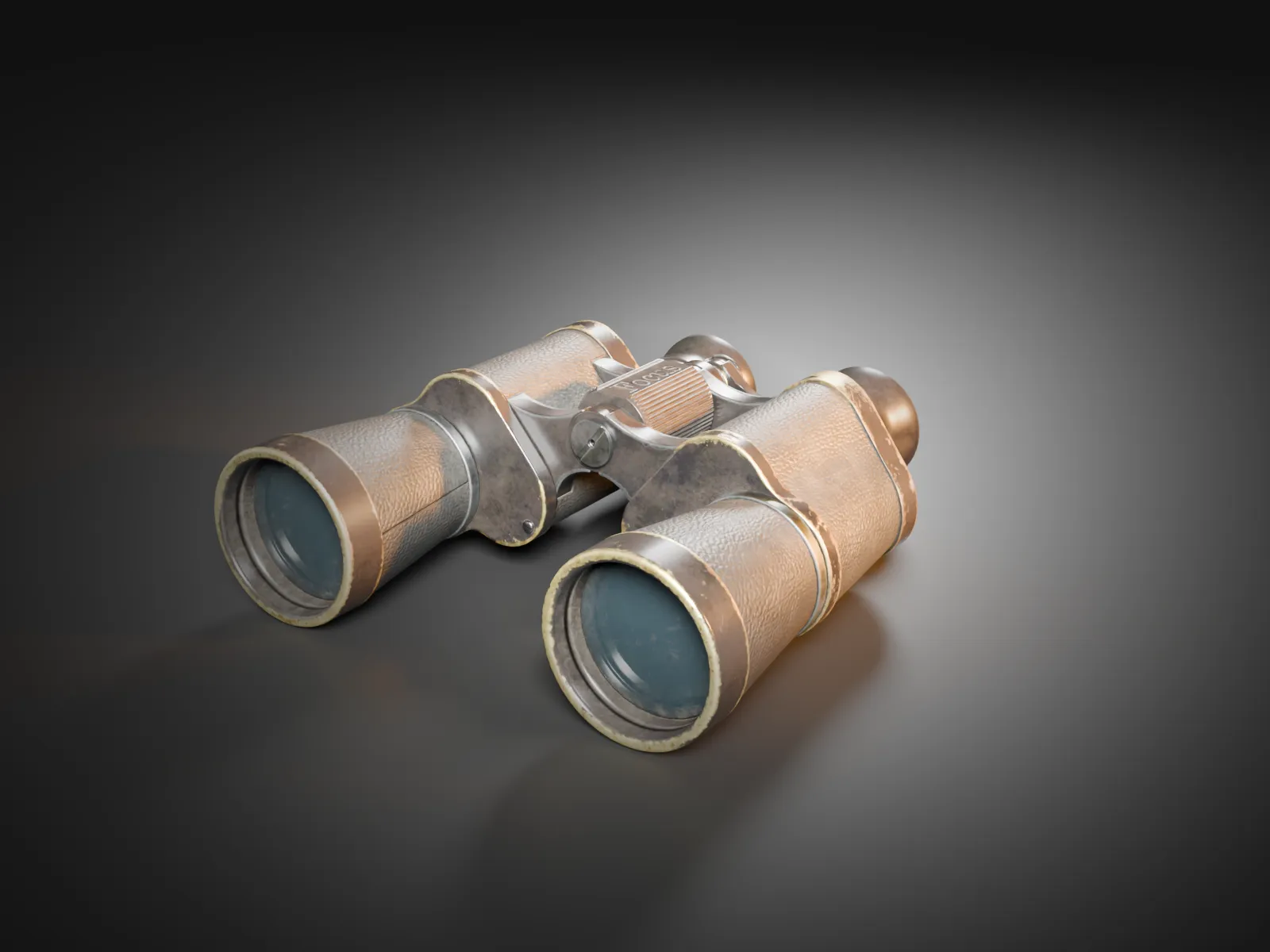
Every image is built in stages. We share intermediate states so that form, material and light are right before the final render.


01
Wireframe
Geometry from your CAD data or modelled from scratch – clean enough for close-ups.
02
Form
Without materials you see whether proportions and edges work. Changes are cheapest here.
03
Material
Surfaces matched to samples or reference photos: metal, plastic, glass, wood, fabric.
04
Light
Studio light or an environment sets the mood. Only now is the final render made.
03Own pipeline
Rendered on our own GPU. Loaded in a fraction of a second.
Scenes are built as repeatable scripts, rendered on our own graphics card and encoded for the web. Changes stay quick – and your website stays light.
- Scenes as scripts: variants (colour, angle, format) without rebuilding
- Photorealistic path tracing where reflections matter
- Clips with a pause button and respect for reduced motion
- per frame in the real-time engine (1080p, own measurement)
0.3 s
per frame in the real-time engine (1080p, own measurement)
- per clip, with a still as placeholder – loads only when visible
AV1 + H.264
per clip, with a still as placeholder – loads only when visible
04Reference
A 3D experience in the browser.
WebGL · desktop & mobile
For the Aphantasia test portal we built an interactive 3D experience that runs directly in the browser – no installation, on desktop and mobile.
05Formats
From a single image to a whole world.
Per motif
3D product image
From an existing CAD or 3D model, cut out or staged.
Web-optimised
Clip 10–30 s
Product, terrain or process animation as a loop for website and social.
60–90 s
Explainer and process animation
From storyboard to finished film, without stock footage.
Quote
Interactive 3D
Tour, reconstruction or product viewer in the browser.
06Fragen
Frequently asked.
What data do you need from us?
Ideally CAD or 3D data (STEP, OBJ, FBX, glTF). Without data we model from photos, drawings or samples – that takes longer.
How long does a product image take?
With a clean model and a clear brief, first intermediate states are often ready within a few days. We agree the schedule before we start.
Do we get the usage rights?
Yes, the agreed usage rights to the final images and clips are yours. We set out the scope in the quote.
Does interactive 3D work on phones?
Yes, if it is built for it: reduced geometry, compressed textures and a still image until everything has loaded.
What should we make visible?
Send us data, sketches or a sample. In the intro call we agree on the idea, scope and schedule.